Digital Panel Designer
Modify your panel in minutes, not months
Define and update the genomic regions you want to enrich quickly and easily with our Digital Panel Designer. Enter the genes or genomic regions you are interested in, or modify one of our ready-to-use panels, review your panel design, and export the files you need to start an Adaptive Sampling run — no bioinformatics expertise required.
Want to update your panel? Simply modify your design and resume your research.
New to Adaptive Sampling? Find out how digital panels work.
Design custom panels without probes or baits
The Digital Panel Designer is a browser-based tool for creating and modifying digital panels. Traditional targeted sequencing relies on primers, probes, or baits that must be designed, synthesised, and tested, which can take weeks to months. With digital panels, adding, removing, or changing targets takes minutes, so you can respond quickly as your priorities shift.
Why researchers choose digital panels
Simplified panel design
Build and modify digital panels without bioinformatics expertise. Add targets, review your design, and generate the files you need in just a few clicks.
No probes or baits required
Unlike traditional targeted sequencing approaches, digital panels can be modified in minutes. This helps you respond quickly as priorities change.
Targeted sequencing with genome-wide insight
Adaptive Sampling combines target enrichment with low-pass whole-genome data from the same run. You can generate focused, genome-wide, and epigenetic insights simultaneously.
How it works
Create an Adaptive Sampling digital panel in minutes.
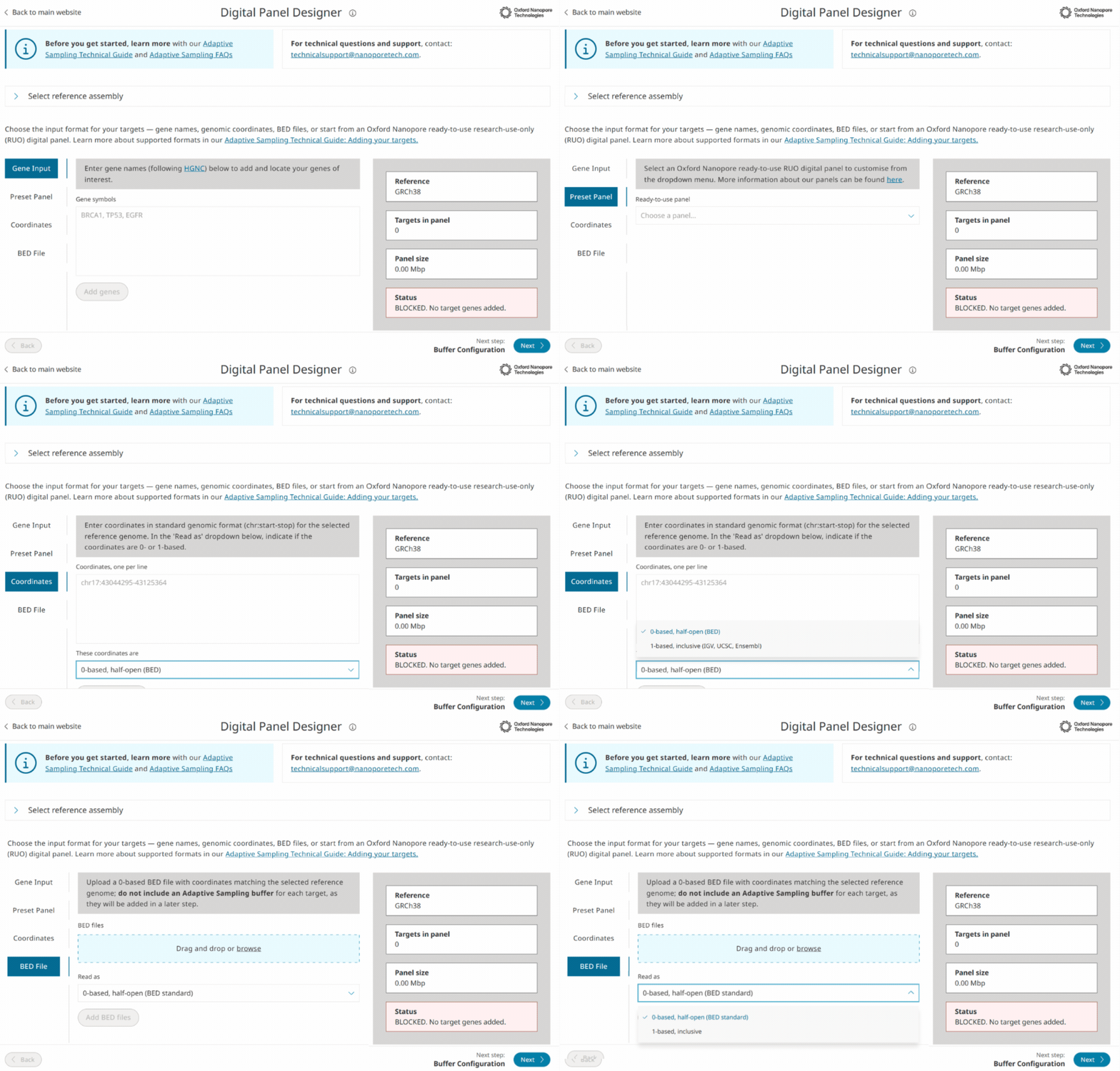
1. Four ways to add targets
Select your reference genome and define the regions you want to target. Enter gene names or genomic coordinates, load an existing Oxford Nanopore ready-to-use digital panel, or load a BED file for a panel you’ve previously created.
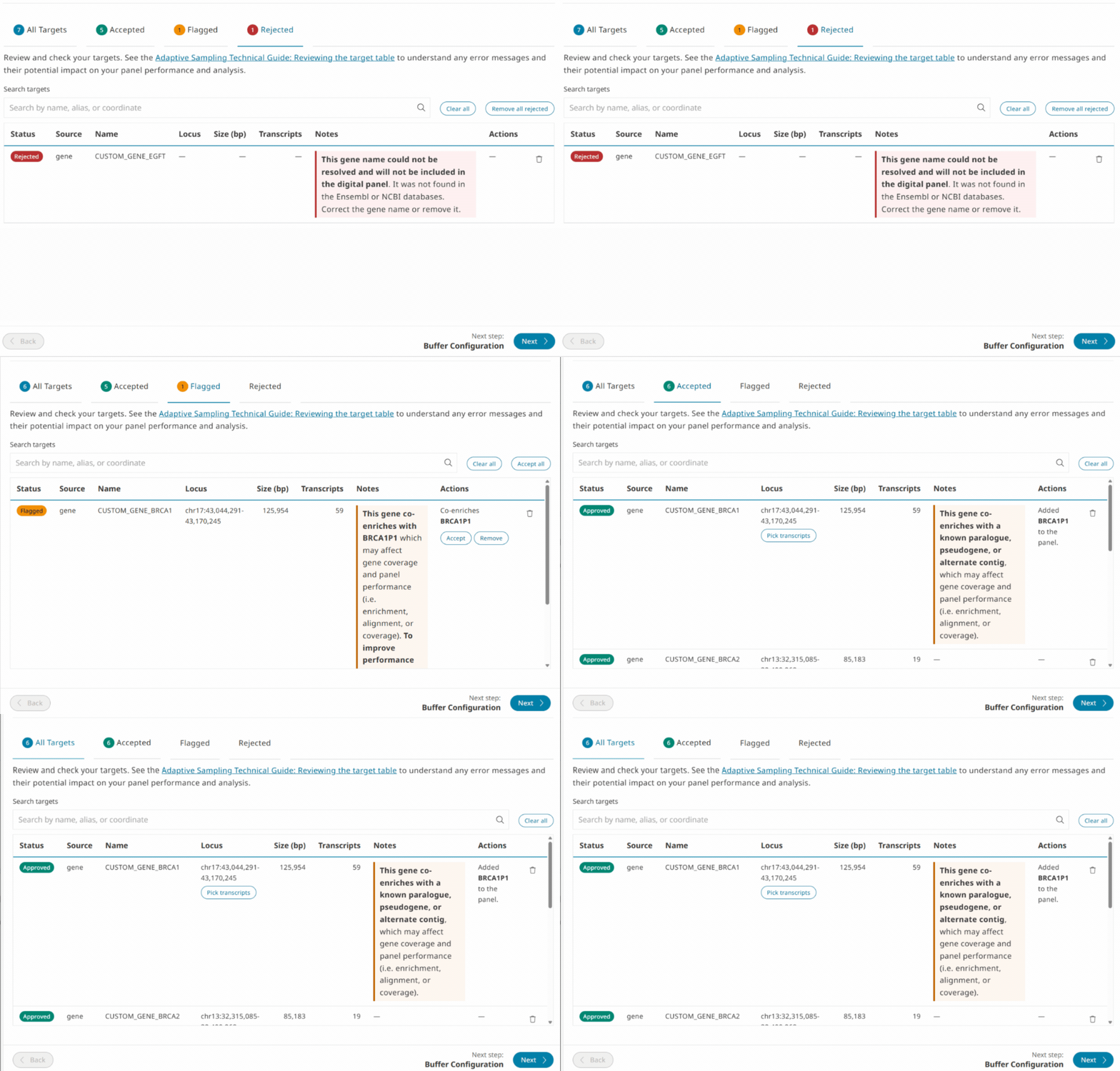
2. Intuitive target QC and optimisation
The built-in checks highlight potential design issues before you start sequencing, such as targets with highly similar paralogues or pseudogenes.
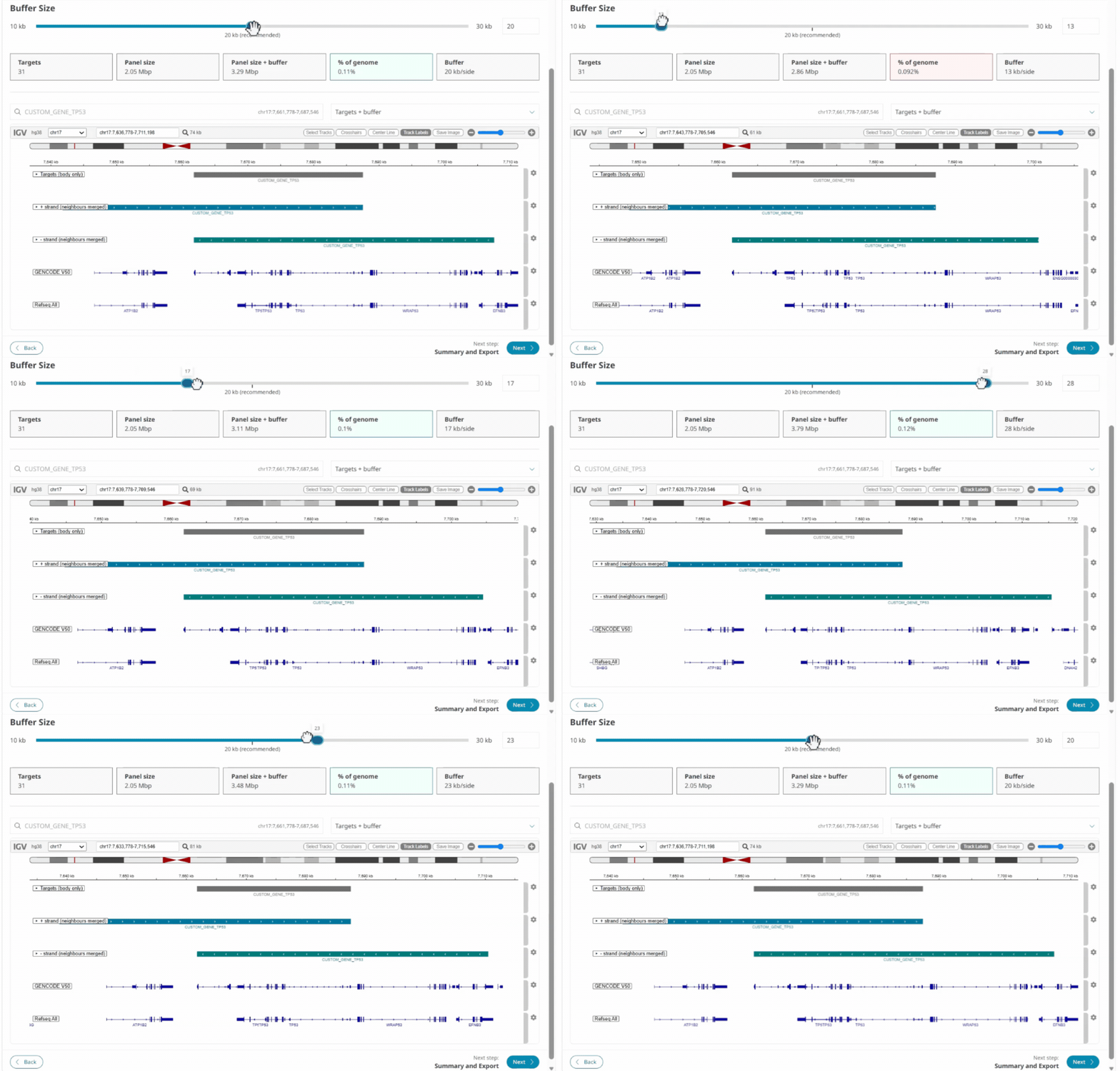
3. Output what you need for sequencing and analysis
The Digital Panel Designer generates all the files you need for sequencing and downstream analysis, including the Enrichment, Analysis, and Exon BED files, plus a summary report to easily share your digital panel with colleagues.
For more on panel design considerations and best practices, read the Adaptive Sampling technical guide.
Recommended products
Adaptive Sampling bundles
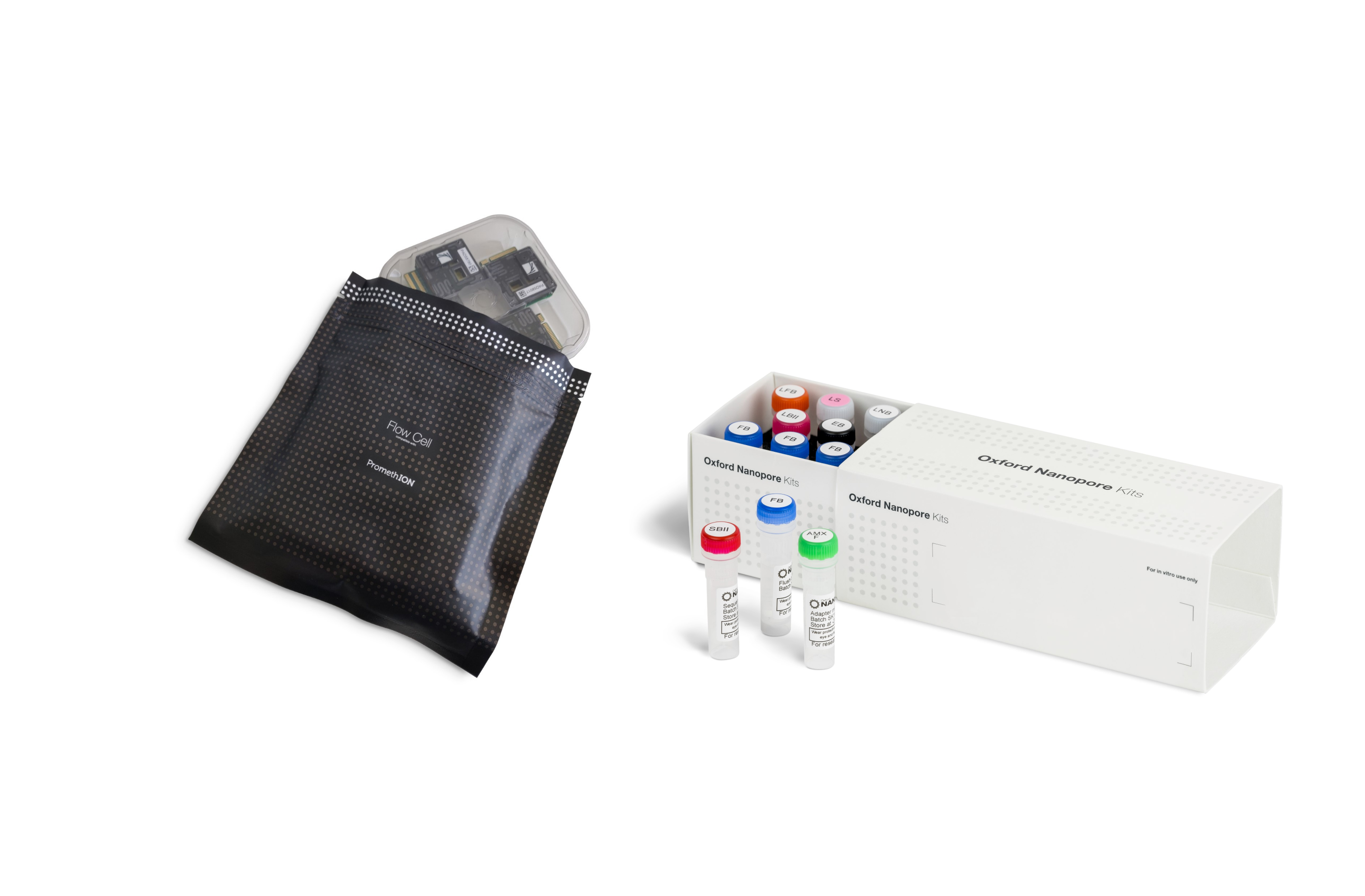
Our Adaptive Sampling bundles contain everything you need to sequence samples using either our ready-to-use panels or your own custom panel, created through the Digital Panel Designer.


